Warning and Failure Thresholds Tab
Configure machine status colors based on performance or condition thresholds.
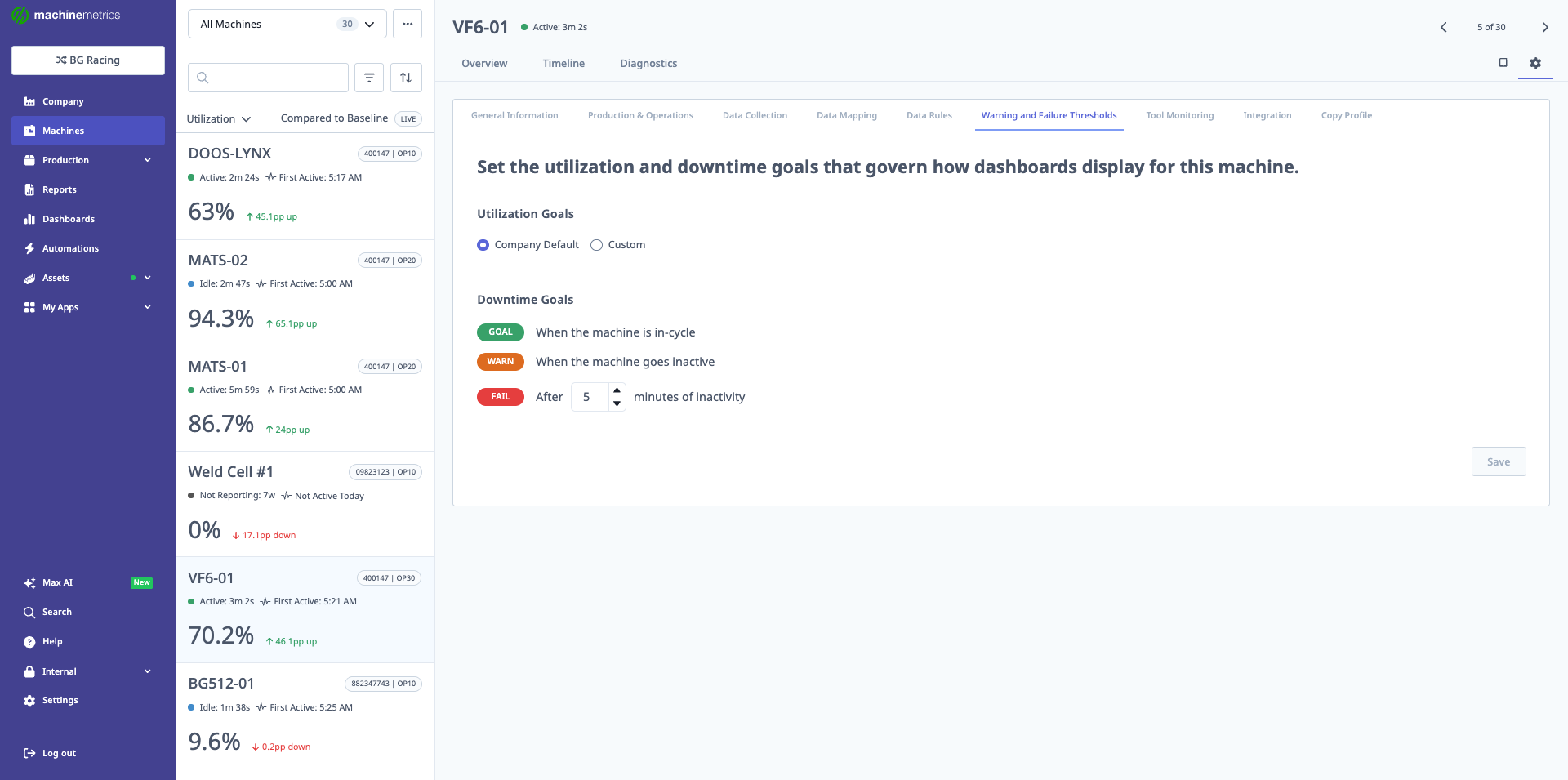
The Warning and Failure Thresholds tab sets the utilization and downtime goals that determine machine status colors on dashboards. In this example, utilization goals use Company Default settings, and downtime goals are configured with GOAL (green) when in-cycle, WARNING (orange) when inactive, and FAIL (red) after 5 minutes of inactivity. These thresholds help quickly identify underperforming machines.
Status Colors
Define the rules that determine when the machine appears:
- Green – Healthy / within target thresholds.
- Orange – Warning / approaching a limit.
- Red – Failure or outside acceptable thresholds.
Per-Machine vs Company Default
You can:
- Use company default thresholds:
- For consistent behavior across all machines.
- Or configure machine-specific thresholds:
- When machines have unique performance expectations or capabilities.