Mitsubishi Connectivity
Machines with a Mitsubishi Electric CNC connect through MachineMetrics' proprietary Mitsubishi adapter over Ethernet. This covers M70, M80, M800 and M700 controls, and Miyano machines built on them.
Mitsubishi M70/M700 control panel. These controls use MachineMetrics' proprietary Mitsubishi adapter for direct connectivity over Ethernet.
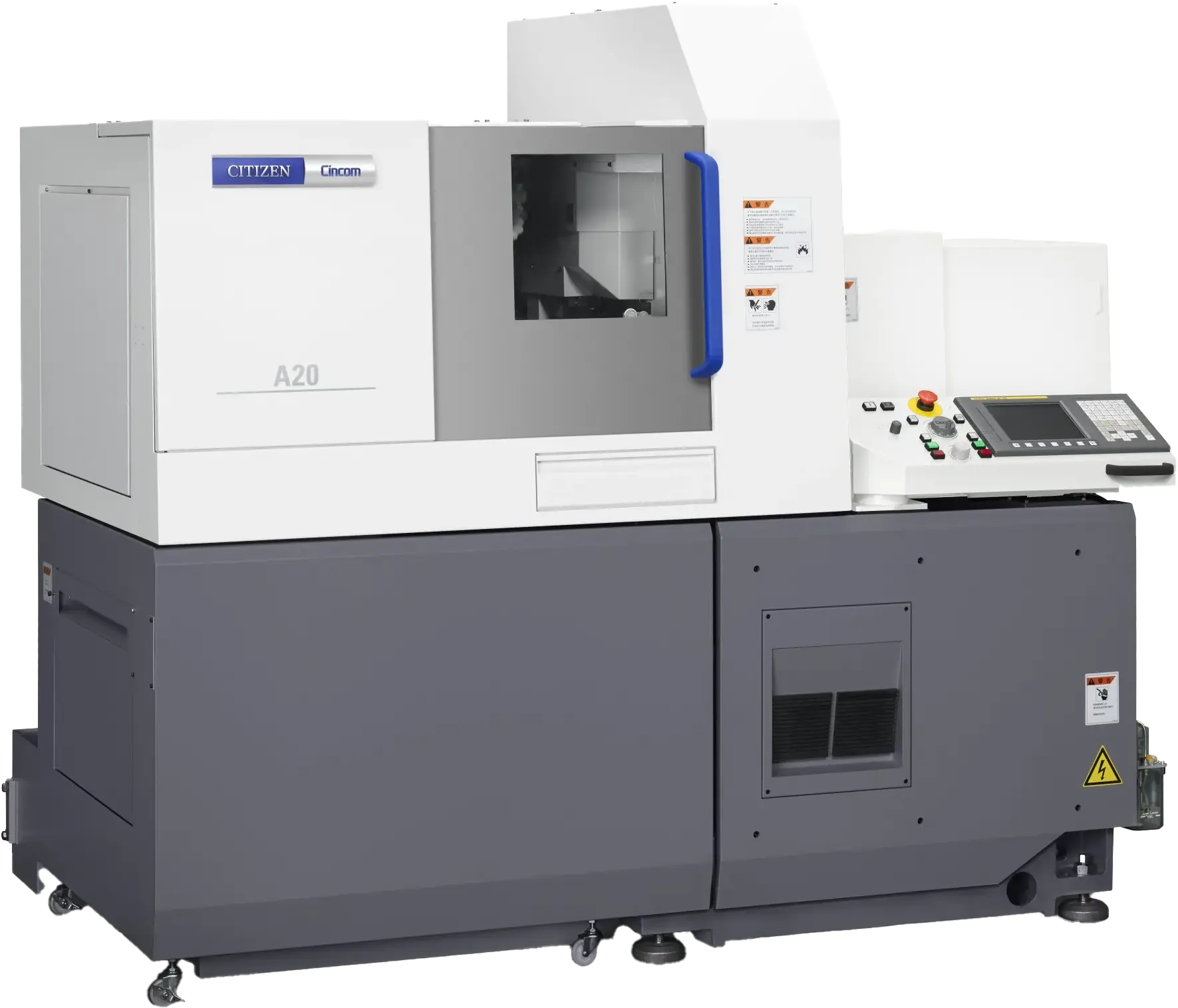
Important: If you have a Citizen machine, please see the Citizen Connectivity Guide instead of this guide.
MachineMetrics connects to machines with Mitsubishi controls using proprietary adapters designed specifically for these control series.
Use the M70 / M80 / M800 adapter
Compatible Controls:
- M70
- M700
- M80
- M800
Note: For DMG MORI machines (CELOS or MAPPS), see the DMG MORI Connectivity Guide.
Connection Summary
The Edge device talks to the control directly over Ethernet — no gateway, no host PC and no licensed option.
- Where to plug in the cable: the Ethernet port on the control.
- What to set on the control: parameters #1925 through #1928 for Ethernet, IP address, subnet mask and gateway, on the same subnet as the Edge device. See Control Setup.
- What MachineMetrics asks for: the control's IP address. The adapter uses port 683, which is fixed and does not need entering.
- Adapter script: none required for basic data collection.
Mitsubishi Controls
The Mitsubishi adapter is not compatible with DMG Mori or Kitamura machines. Even if these machines use a Mitsubishi backend, they must always be connected via MTConnect. Using this adapter on DMG Mori or Kitamura machines will result in incorrect or failed connectivity.
For Kitamura machines, see the Kitamura Connectivity Guide.
What is Mitsubishi M70 / M80 / M800 and M700?
Mitsubishi Electric's CNC control systems are found in various machine tools. MachineMetrics uses proprietary adapters to communicate directly with these controls over Ethernet.
Compatible Machines:
- Mitsubishi CNC controls
- Miyano machines (with Mitsubishi controls)
What Data Can Be Collected:
- Execution state (ACTIVE, READY, INTERRUPTED)
- Program name and number
- Tool number and offsets
- Spindle speed and override
- Feed rate and override
- Axis positions
- Alarms and messages
- Part count (with proper configuration)
- Cycle time
Prerequisites
Before connecting a Mitsubishi machine:
- Machine has Ethernet port on control
- Machine is on the network (same network as Edge device)
- Static or reserved DHCP IP address assigned to machine
- Network settings accessible on control
- Physical access to machine control for initial setup
In This Section
| Page | What it covers |
|---|---|
| Control Setup | Network parameters #1925 to #1928 on the control, and proving the Edge can reach it |
| MachineMetrics Setup | Adding the machine, selecting the adapter, part counting and optional transforms |
| Troubleshooting | Connection faults, missing data, part count problems and wrong adapter selection |
Additional Resources
Related Guides:
- Citizen Connectivity Guide - For Citizen Cincom machines
- Machine Settings Guide - Configuring machine settings and part counting
- Adapter Scripts - Advanced data transformation
- Connectivity Overview - Choosing the right protocol
Mitsubishi Resources:
- Mitsubishi CNC manuals (contact machine tool builder)
- Network configuration documentation
Getting Help:
- MachineMetrics Support
- Include in support request:
- Machine make and model
- Control type and version
- IP address and port
- Screenshots of connection error (if applicable)
- Adapter type selected
Ready to connect your Mitsubishi machine?
- Assign static IP address to machine
- Note IP address and port number
- Add machine in MachineMetrics
- Select appropriate adapter (Mitsubishi M70 or M700)
- Test connection and configure data collection
Questions? Contact MachineMetrics Support or your Solution Delivery Manager (SDM).