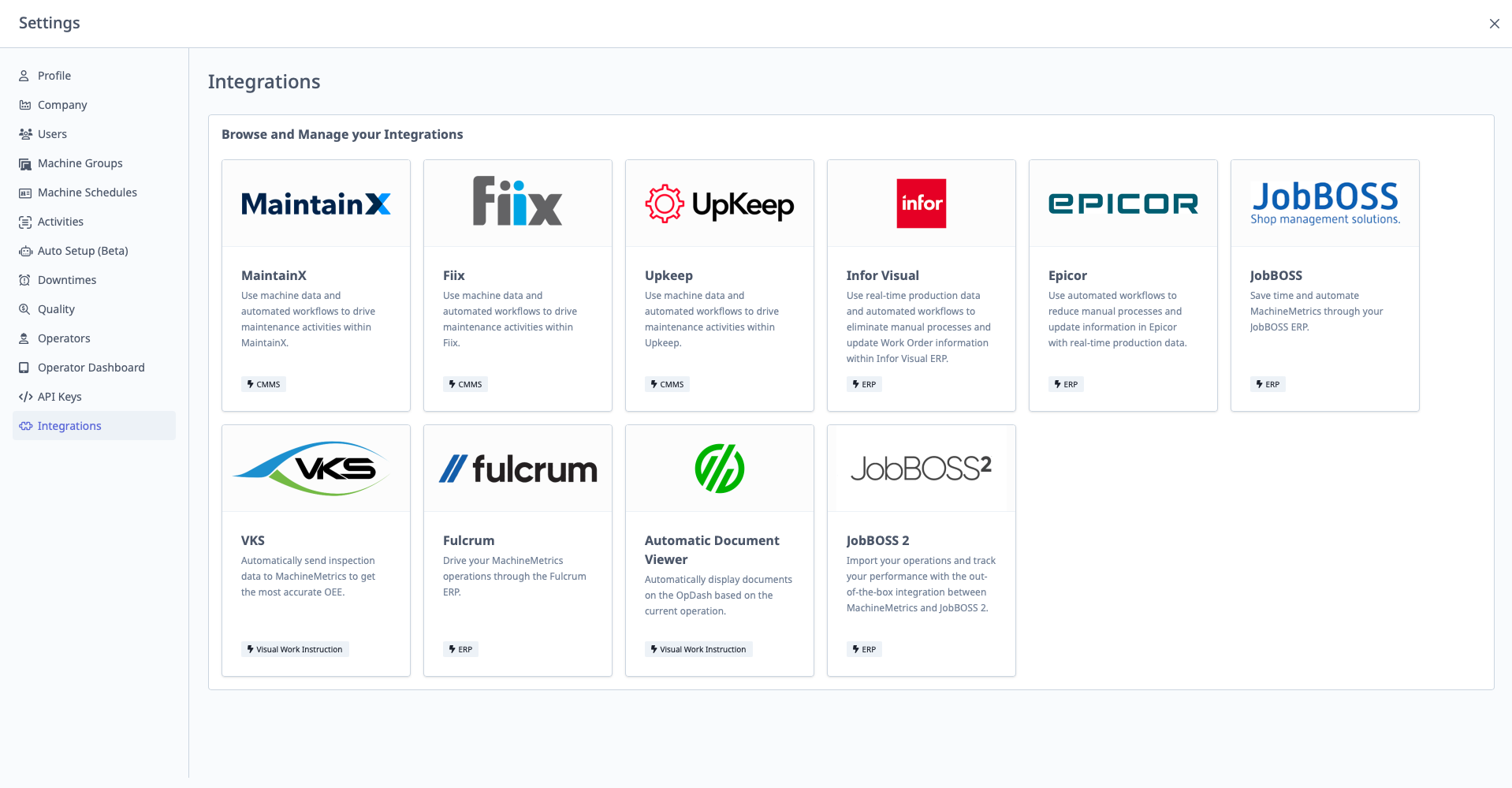
Integrations
What is Integrations?
Integrations is where you configure connections to external systems like ERP, MES, CMMS, and other platforms.
Access: Settings → Integrations
Who Can Manage: IT Admins, Executives
Supported Integrations
Common Integrations:
- MaintainX: CMMS (Computerized Maintenance Management System)
- ERP Systems: IQMS, E2, JobBOSS, SAP, etc.
- MES Systems: Factory MES, etc.
- Custom Integrations: Via webhooks or API
Configuring Integrations
General Process:
- Navigate to Settings → Integrations
- Find integration to configure
- Click "Configure" or "Connect"
- Follow integration-specific setup:
- Enter credentials (API keys, usernames, passwords)
- Configure sync settings (what data to sync, how often)
- Map fields (MachineMetrics fields → ERP fields)
- Click "Save" or "Connect"
- Test connection
Integration-Specific Setup: Each integration has unique configuration requirements. Consult integration-specific documentation or contact support.
MaintainX Integration (Example)
Purpose: Sync work orders between MachineMetrics and MaintainX CMMS.
Configuration:
- Navigate to Settings → Integrations → MaintainX
- Enter MaintainX API Key
- Configure sync settings:
- Create work orders in MaintainX for specific alarm codes
- Sync work order status back to MachineMetrics
- Click "Save"
Use Case: Alarm occurs → Workflow creates MaintainX work order → Maintenance receives notification → Completes work in MaintainX → Status syncs back to MachineMetrics.
Webhooks (Custom Integrations)
If your system isn't listed:
- Use webhooks (configured in Workflows)
- Or use API keys to build custom integration
See Also: Automations & Workflows Guide