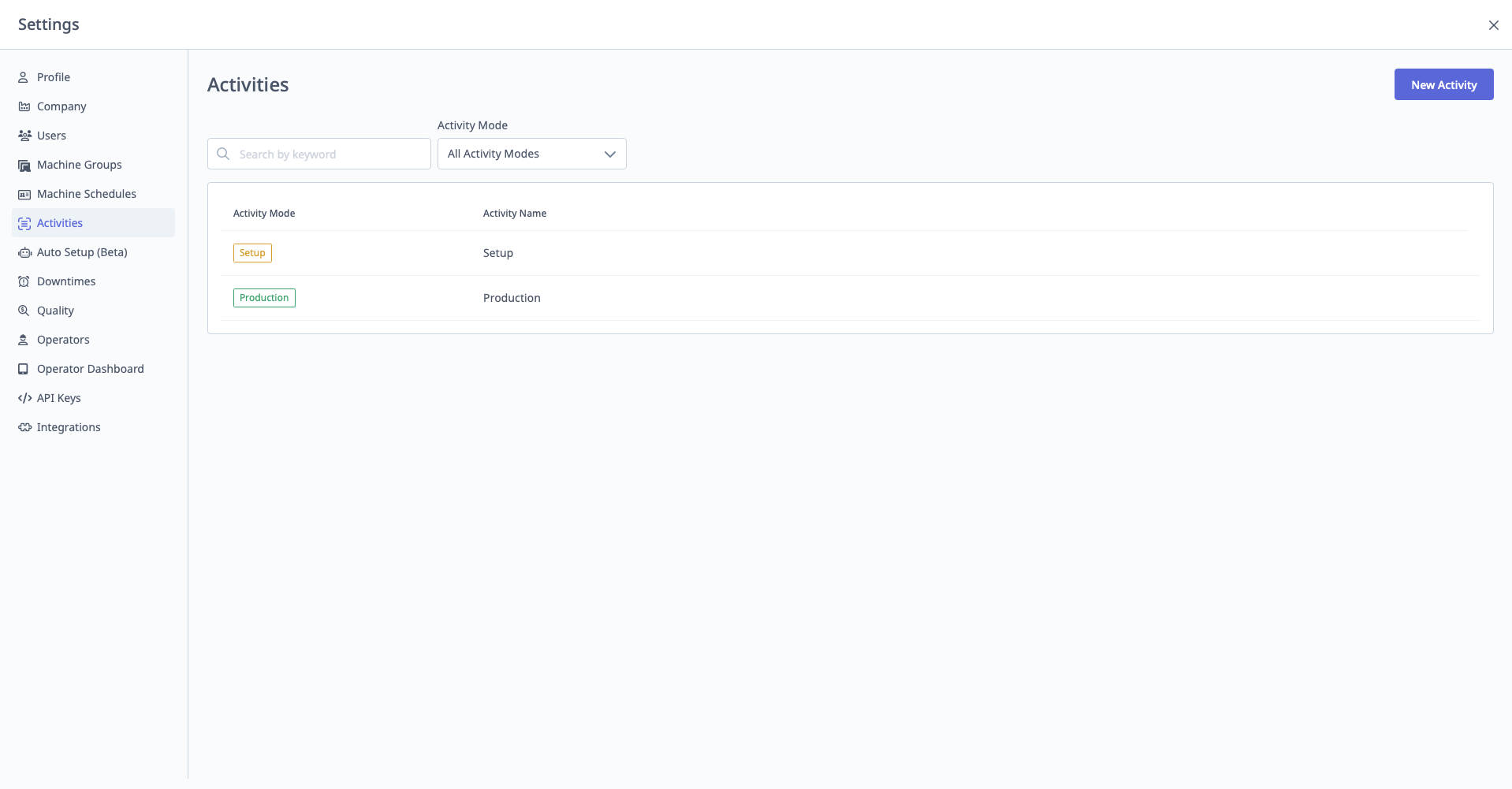
Activities
What are Activities?
Activities distinguish between Setup and Production modes during production runs.
Access: Settings → Activities
Who Can Manage: Managers, Executives, IT Admins
Activity Types
Two Activity Types:
1. Setup
- Machine is being prepared for production
- Includes: Loading fixtures, setting tools, running first article, adjustments
- Tracked separately from production time
2. Production
- Machine is actively producing parts
- Normal production cycle
Purpose of Activities
Why Track Activities:
- Separate Setup Time: Track how long setup takes vs. actual production
- OEE Impact: Planned setup can be excluded from Availability and Performance calculations
- Improvement Opportunities: Identify operations with excessive setup time
- Operator Workflow: Operators switch between Setup and Production on tablets
See Also: Operator Dashboard Guide
Configuration
Activities are generally pre-configured and require minimal setup.
Available Settings:
- Enable/disable activity tracking (toggle)
- Configure planned setup duration for operations
If Activity Tracking Disabled:
- All time considered "Production"
- No distinction between setup and production
- Operators don't select activity on tablets
Planned Setup
Configuring Expected Setup Time:
- Set at operation level (not in Activities menu)
- Navigate to Production → Operations → Select Operation → Edit
- Enter Expected Setup Time (minutes)
Impact:
- If setup time ≤ expected: Marked as planned (can be excluded from OEE)
- If setup time > expected: Excess marked as unplanned (affects OEE)
See Also: Production & Analytics Guide